Flight mode on. Everything works.
The Ultimate Flight Mode App
A pocket cockpit that works in flight mode: live speed, altitude and an offline map of the world below, on your phone and your Apple Watch. Snap the view, note the moment, play a game on the long stretch, then turn the whole flight into a reel.
- £0.99, once
- No ads
- No in-app purchases
- No account
- No analytics
For iPhone and Android · Nothing leaves your phone
FROM THE APP STORE AND GOOGLE PLAY
Super cool and entertaining Just used this on a flight to London and it kept me entertained the whole way, really cool app and has loads of cool facts about countries, the plane you’re on and where you’re flying over
🇬🇧 Rachelmcc123
Interesting app for aviation enthusiasts!! Loved the look and feel of the app. Would be excellent to have a short video or album generated based on the pictures and notes added.
🇺🇸 subin revi
Fantastisch This app is just what I was looking for! I recommend it to all!
🇩🇪 DarkoDM
Simpatica Offre informazioni utili durante il volo, quando siamo totalmente disconnessi.
🇮🇹 whited00r
I thank the developer for his quick response in supporting the Arabic language
🇪🇬 Islam__mohamed
Blows my mind This app is amazing. With no internet, it somehow detects everything about the flight, including speed and altitude and it is very accurate. It also makes a beautiful reel of your trip at the end. And it’s free!!!
🇺🇸 DrKushlev
Great Idea! This app is an ingenious use of the data that iPhones can make available! I love the ability to have photos stamped. Great way to pass the time on a flight! The developer is very responsive to feedback and is constantly making improvements!
🇺🇸 Damon K
Wie genial..., ...ist das bitte umgesetzt? Super schlichte, moderne Oberfläche und mega nützlich unterwegs. Genau so muss eine gute App aussehen und funktionieren. Weiter so! Top 👍👍
🇩🇪 Singidunum 011
Number 1 The best program of its kind
🇷🇺 Epictet
Easy way to see speed on train!! Not part of the original specification I think! Train ETAs not off the mark.
🇬🇧 Andrew Finney
记录每次飞行 强烈推荐大家使用skypocket
这是一款看似“简约”而“不简单”的“产品”!
每当我出门的时候,我会第一时间打开这款用于记录出行数据的软件。虽然出行不能乘坐✈️😁但本人强烈推荐绝对有原因:我在使用过程中除了一些基本数据统计外,发现穿越某国家的同时、贴心的配有这个国家的一些文字介绍,体现了作者对产品细节上的展示。让旅客在枯燥的飞行旅途中了解一下这个国家……
还有一个细节就是可以教你学习某个国家的短语发音……真没想到这个看似简单的软件,确实惊艳到我。本人用一句话致敬作者:能简单而不简单!
最后,希望能有更多的人去了解,去使用skypocket。
购买这样一款好产品绝对物有所值……
🇨🇳 吕传杰
Amazing app Finally a valid solution in flight mode. Thanks for it!
🇭🇺 szabolcs.janos.nagy
Very coooool Used this on my recent flights from the UK to South Africa and it was so fun!! ✈️🌍 I loved being able to see how long we had left, the little facts about what would happen next during the flight, and even the mini phrase book! It’s also so cool that it keeps track of all the countries you’ve flown over and how many times you’ve crossed each one 😊 Such a fun little app!!
🇬🇧 JessGib837
Have a go
See it fly
The cockpit, in flight
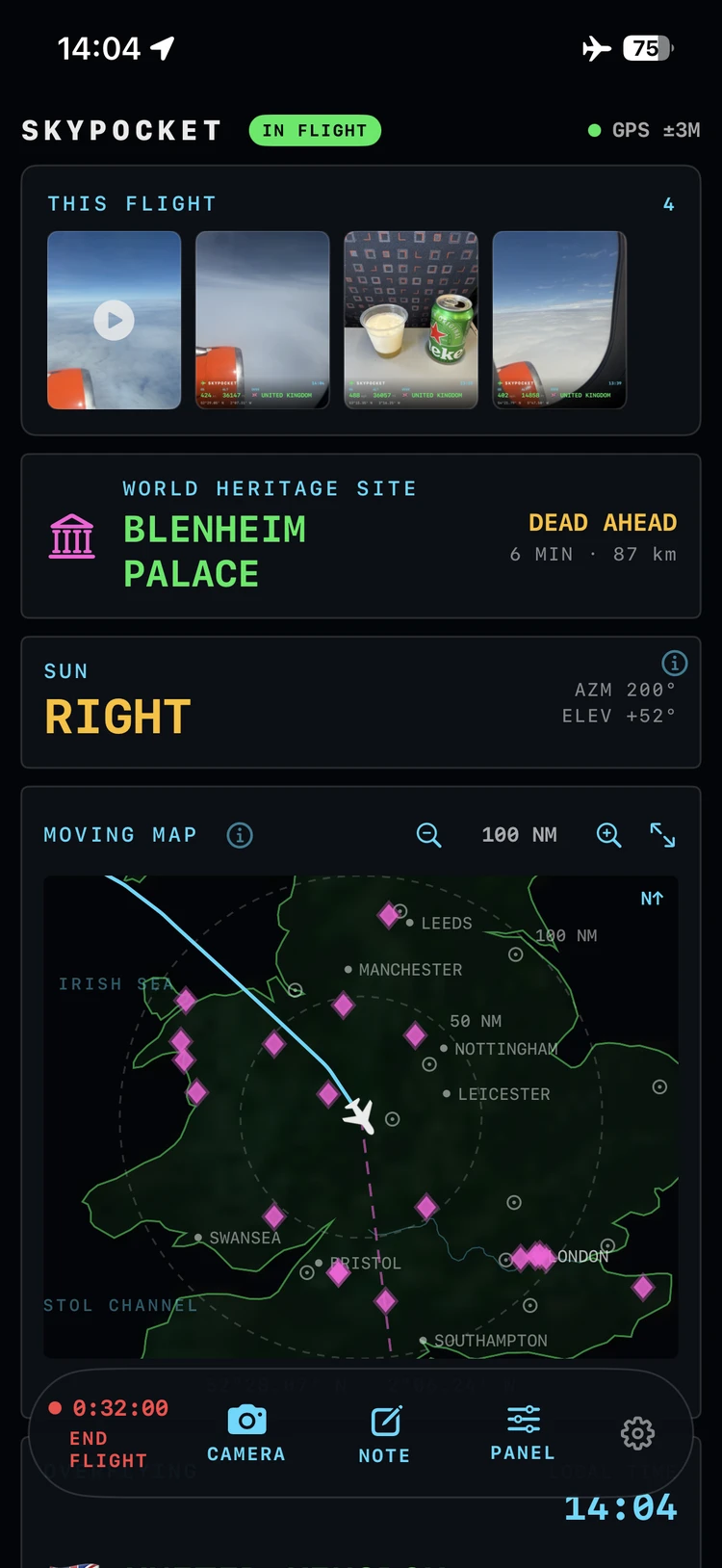
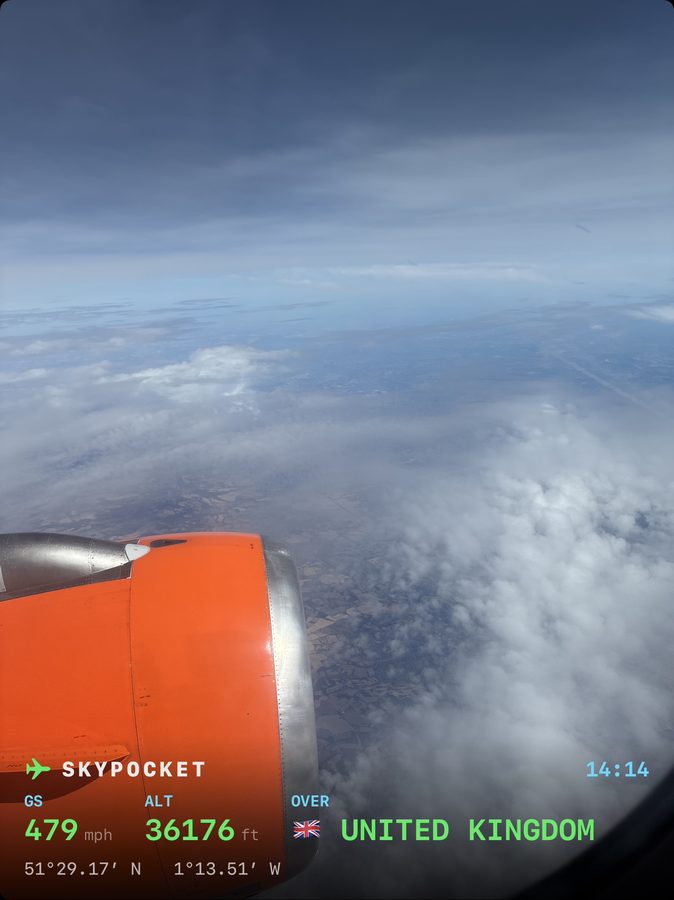
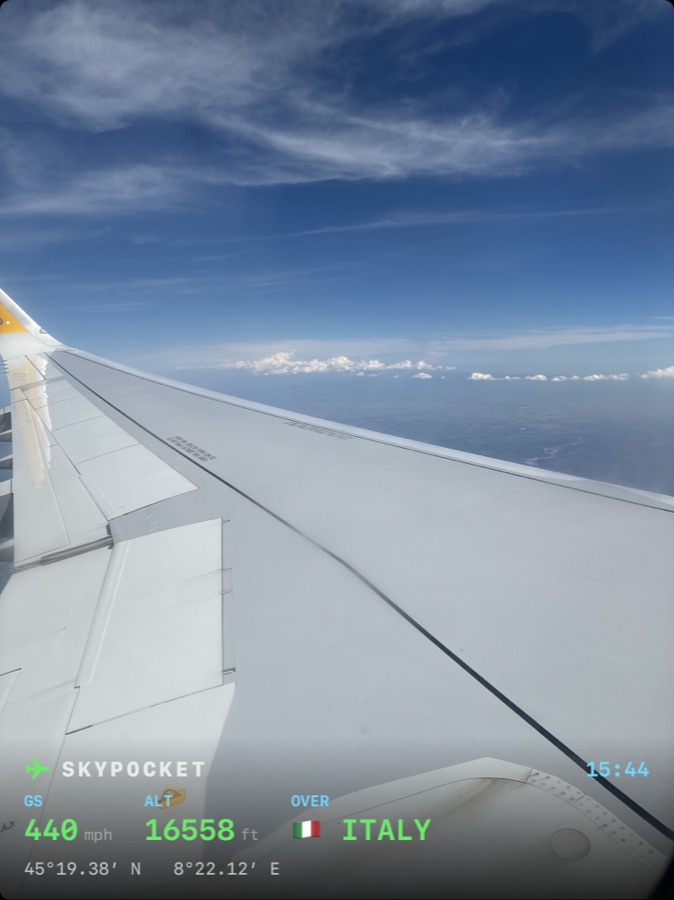
Every screen, photograph and clip from the app. Pick any one and it opens on the phone.




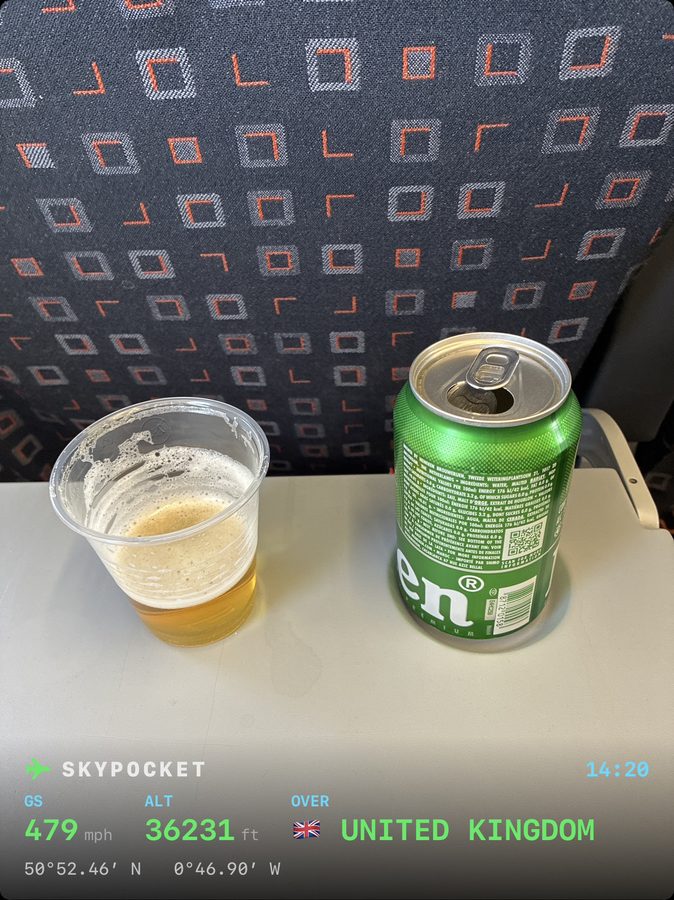

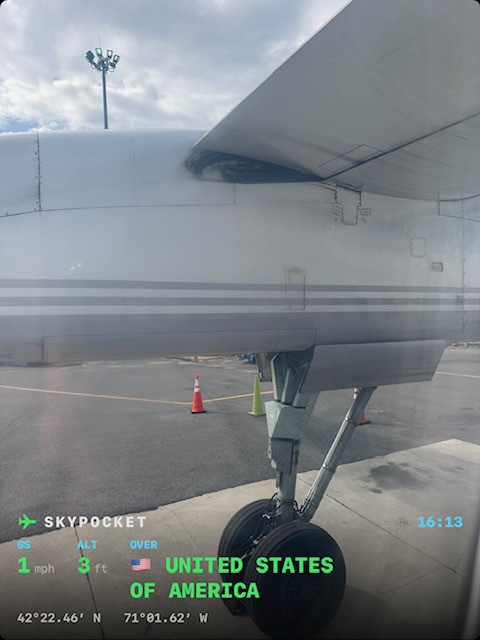

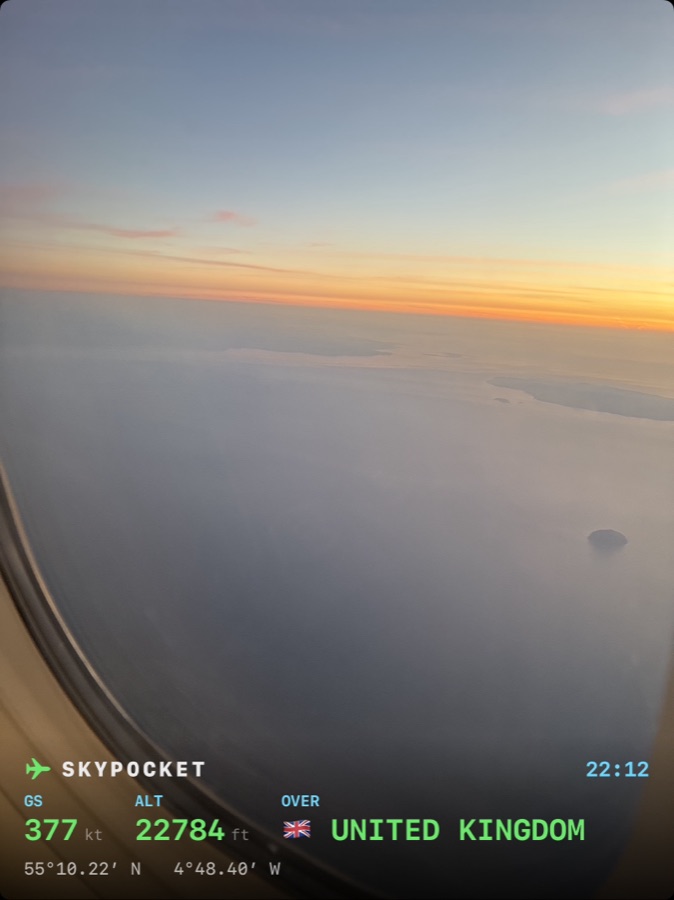
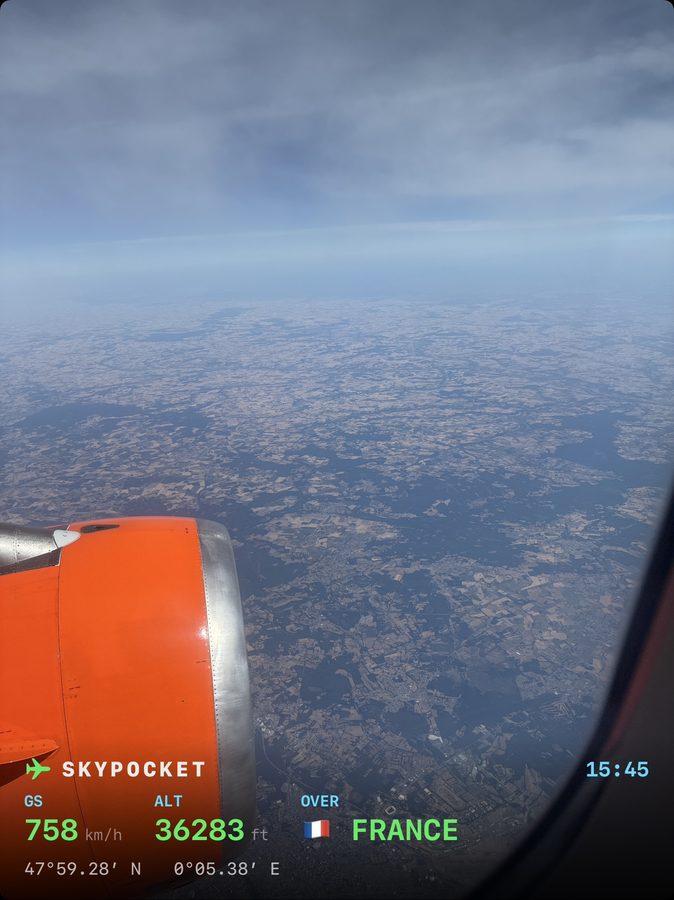

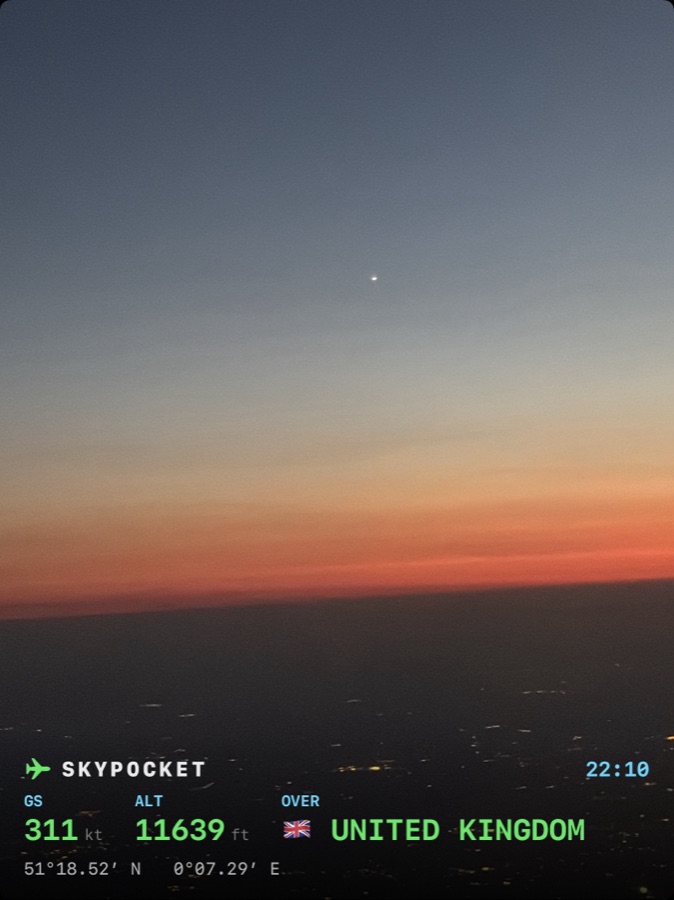

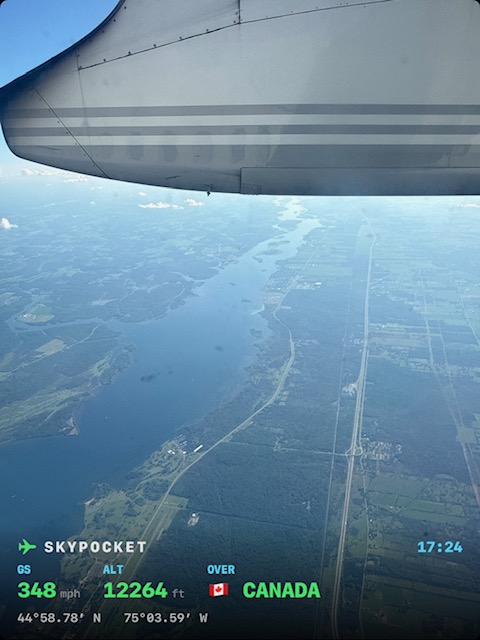

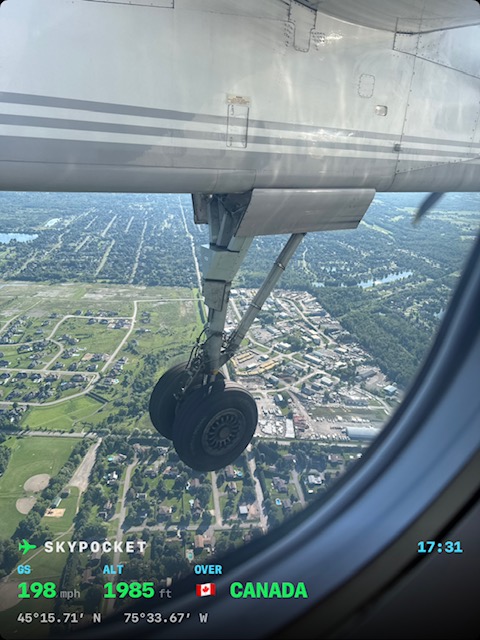

How is this possible
GPS only receives. Like a radio.
Your phone listens to satellites and never transmits, so flight mode does not switch it off. SkyPocket pairs that signal with the barometer and motion sensors, and packs the whole world map, the CIA World Factbook and every World Heritage Site inside the app. Nothing is sent, fetched or tracked.
Instruments
A glass cockpit for seat 23A.
Offline world atlas
Coastlines, mountains, rivers, 7,000 towns and 1,245 World Heritage Sites, all inside the app. Tap anything, mid-ocean.
Whole-flight recorder
Records with the phone locked, survives a force-quit, and lands in your logbook by itself.
Where to?
Pick a destination and the cabin's oldest question is answered: distance to go, time left, the local time you land.
Every flight, a story
Wheels up, top of climb, borders crossed, touchdown: a timeline built from the data alone.
Lock-screen live stats
Speed, altitude, distance and the country below, live on the lock screen while you doze.
The world, readable
The CIA World Factbook, bundled whole, split into the countries you have overflown and the ones you have not. Yet.
Something to play
Eight games for the long stretches: brick games, Solitaire, Sudoku and a word game. Each saves where you leave it, with your speed and altitude still in view.
GPS lost, honestly
Over a jamming zone the fix can vanish. SkyPocket says so, carries an honest estimate towards your destination for up to three hours, and marks it EST.
The jamming zones, mapped
A bundled map of known GPS interference regions, drawn on the chart and warning you on approach. Another layer shades the countries you have crossed.
Apple Watch · new in 5.1
A cockpit you can wear.
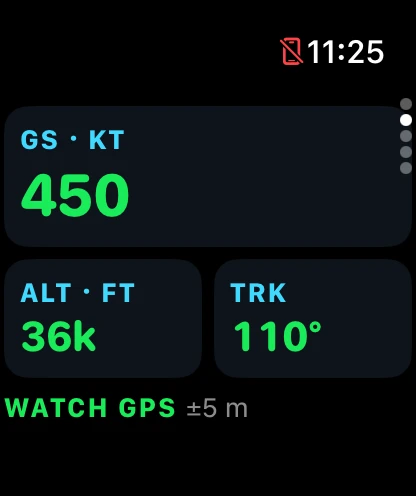
SkyPocket now comes with an Apple Watch app that records your flight with the Watch's own GPS, alongside your iPhone or instead of it. Start on either and the other joins in. Wear both and the two recordings join up into one flight after landing.
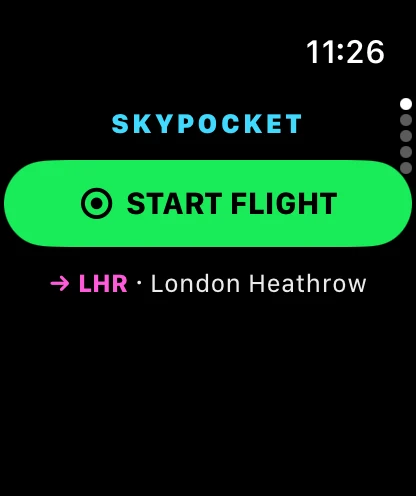
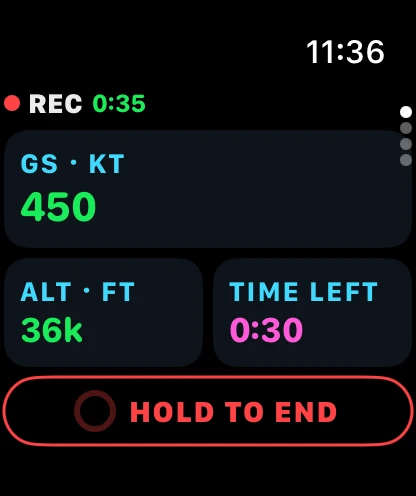
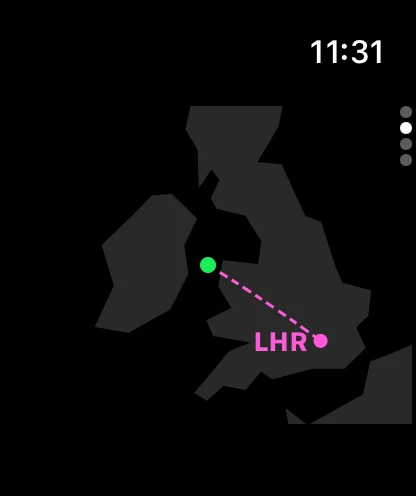
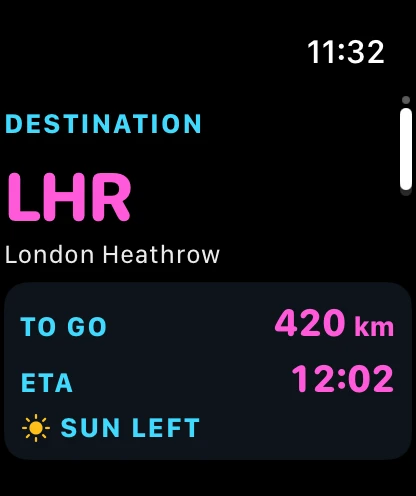
- REC on your wristREC and the elapsed time, with speed, altitude and time left in flight. Press and hold to end, so a stray sleeve can't land you early.
- Two recorders, one flightWear both and each covers for the other. If either battery runs low, the other takes over, and after landing it all joins up into one flight.
- On the ground tooNo flight running? Swipe down for live speed, altitude and track, the map, your destination and a status page.
- Units follow the phoneTap speed for kt, km/h or mph, tap altitude for ft or m. Change it on either device and the other follows.
- A complicationPut SkyPocket on your watch face: one tap opens it, and it shows REC and a running timer while it records.
- Still offlineWatch and iPhone talk to each other directly. No account, no network, nothing sent anywhere, same as the rest of SkyPocket.
Apple Watch pairs with iPhone, so the Watch app is part of SkyPocket for iPhone. It installs with the iPhone app; if Automatic App Install is off, open the Watch app on your iPhone and find SkyPocket under Available Apps.
Before you board
Questions, answered.
How can it work in flight mode?
GPS is receive-only, like a radio. Your phone listens to satellites and never transmits, so flight mode does not turn it off. SkyPocket sends nothing anywhere: the map, the airports and the country facts are all packed inside the app.
Does it need an internet connection?
No. Everything works offline, mid-ocean included.
Does recording drain the battery?
It uses GPS the way a run tracker does. A long-haul flight typically costs a modest slice of battery, and the screen can stay locked the whole time.
Do I need a window seat?
It helps. GPS struggles through a metal fuselage, so near a window is best. If the signal drops, SkyPocket estimates your position honestly, marked in amber, until the fix returns.
What if I delete the app, or lose my phone?
Completed flights back themselves up to your iCloud automatically: reinstall the app and your logbook comes back down on its own, with no account beyond the iCloud you already have.
Can I post the reels anywhere?
Yes. A reel is an ordinary 9:16 video saved on your phone: TikTok, Reels, Stories, or the family group chat. Nothing uploads unless you share it.
What is SkyPocket?
A flight mode app for passengers, for iPhone and Android. It turns your phone into a pocket cockpit with every radio off: live speed, altitude and an offline map of the world below, a record of the whole flight, photos and clips stamped with the moment, eight games for the long stretches, and a reel at the end. On iPhone, an Apple Watch app records the flight too. One price, no ads, no account.
How is it different from Flightradar24 or Flighty?
Those track other people's flights from the ground and need the internet. SkyPocket is for the flight you are on, from your own seat, with no connection at all. It does not show arrivals boards or other aircraft. It shows what your aircraft is doing right now, and keeps it.
Does it work on Android?
Yes. SkyPocket is on Google Play as well as the App Store, with the same cockpit, logbook, camera and reel. The lock-screen Live Activity, iCloud backup and the Apple Watch app are iPhone features.
Does the Apple Watch app work without my iPhone?
Yes. The Watch has its own GPS, so it can record a flight by itself, alongside your iPhone or instead of it. Wear both and the two recordings join up into one flight after landing, and if either battery runs low, the other takes over.
Does the Watch need its own connection?
No. No cellular plan, no Wi-Fi, no account. The Watch and your iPhone talk to each other directly, device to device, and nothing is sent anywhere else, like the rest of SkyPocket.
How do I get SkyPocket on my Apple Watch?
It comes with SkyPocket for iPhone, with nothing extra to buy. If Automatic App Install is on, it simply appears on your Watch. If it is off, open the Watch app on your iPhone and install SkyPocket from Available Apps. Apple Watch pairs with iPhone, so the Watch app is for iPhone only.
How much does it cost?
One small price, once: about £0.99, $0.99 or €0.99 depending on your store. No subscription, no in-app purchases, no ads. Updates are included.
Is there anything to do on a long flight?
Yes. SkyPocket has eight games in the cockpit's own style: brick games, Solitaire, Sudoku and a word game. They play offline and full screen, with your speed and altitude still in view, and each saves where you leave it.
Also from the developer
TapFi gets you onto the WiFi when you land. Point your camera at the WiFi card and you are connected. No fiddly passwords to type.